
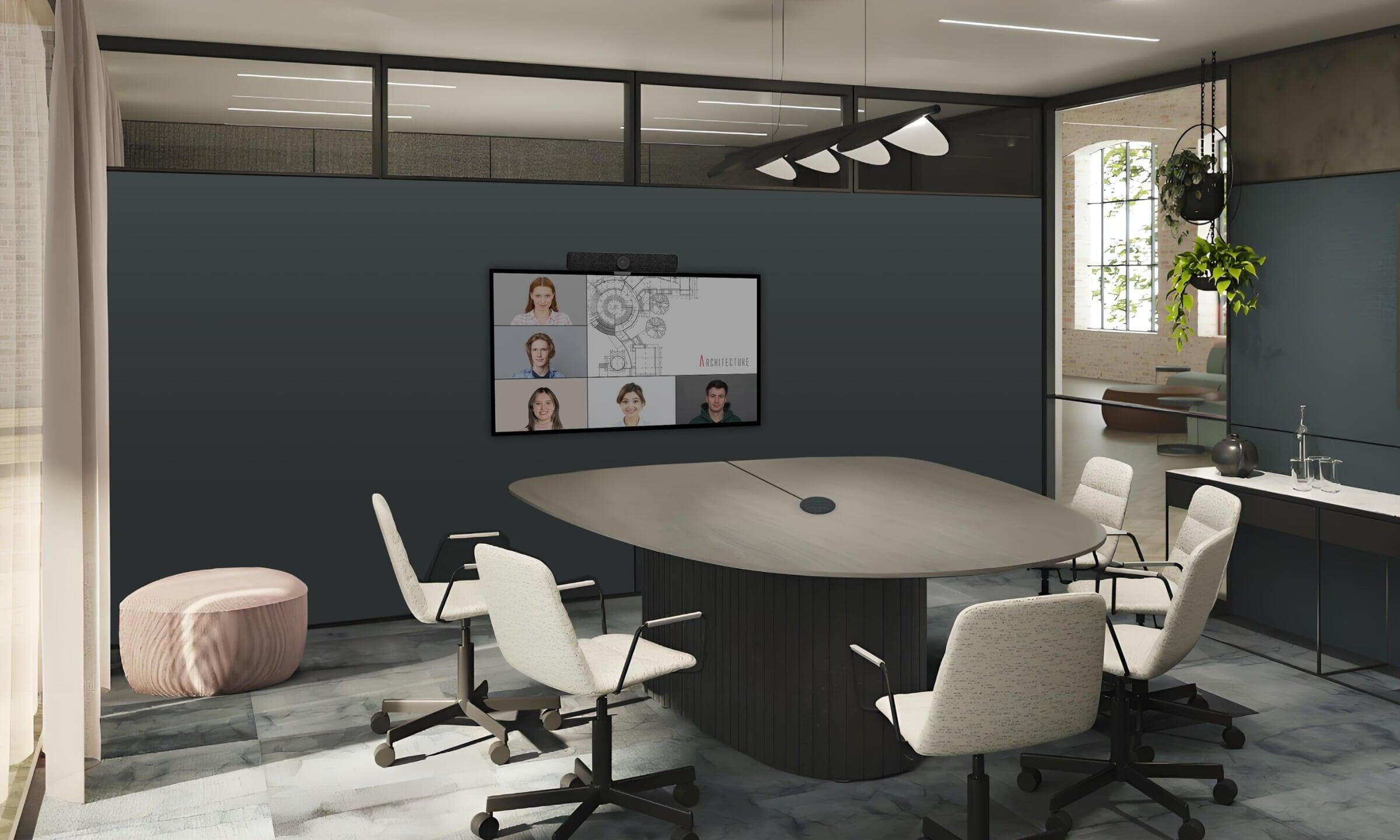
Save up to €100 with selected complete-room packages
HOW THE ROOM WORKS
See the difference between direct and wireless rooms
Both approaches use the room display, camera, microphones and speaker. The difference is how the meeting device connects to them.
Direct-connect room
Direct-connect room
Laptop or compatible meeting device
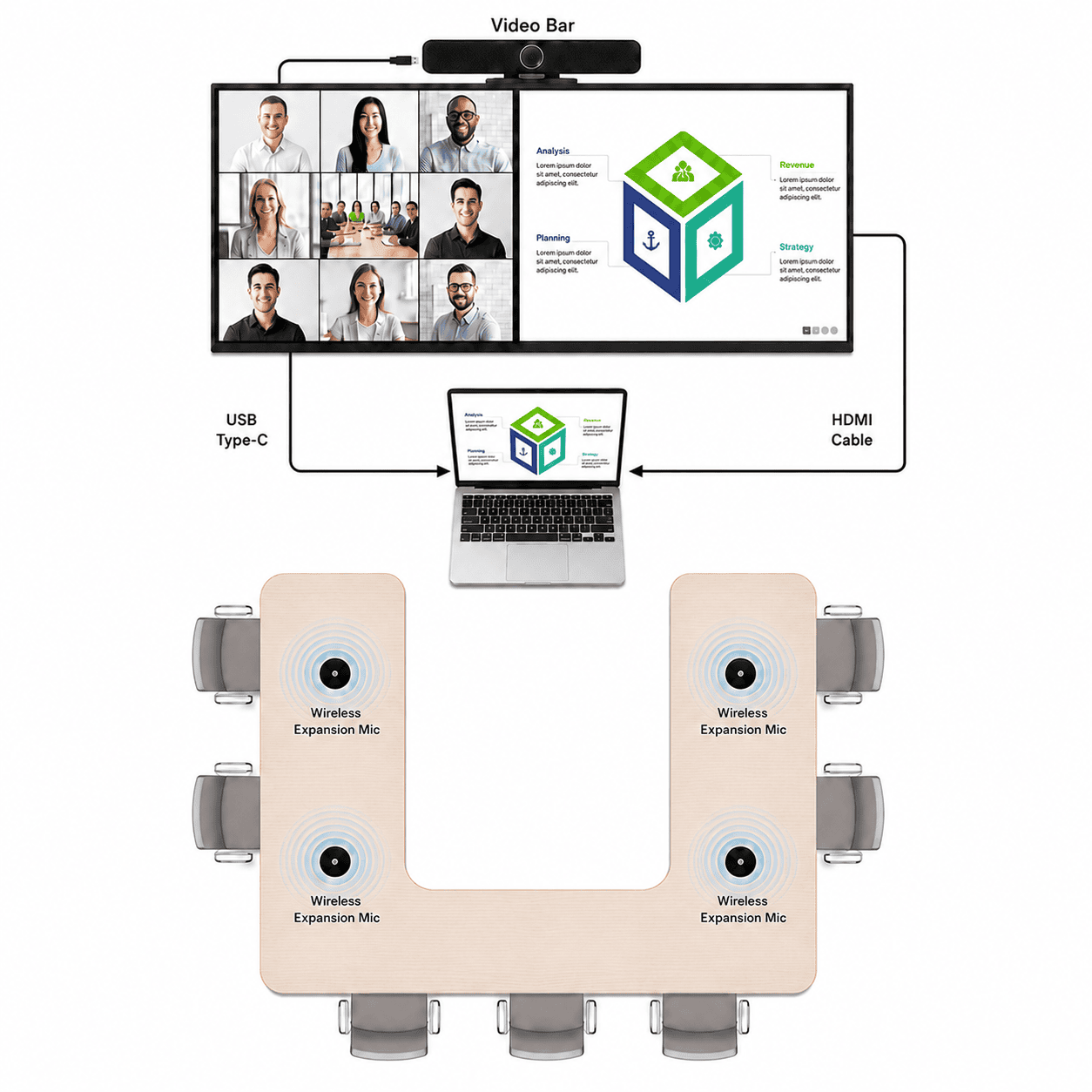
Direct connection
A laptop or permanently installed room computer runs the meeting and connects directly to the display and video bar. This provides a predictable connection without relying on a separate wireless collaboration system.
Advantages:
Recommended Solutions:
Core Direct-Connect Room
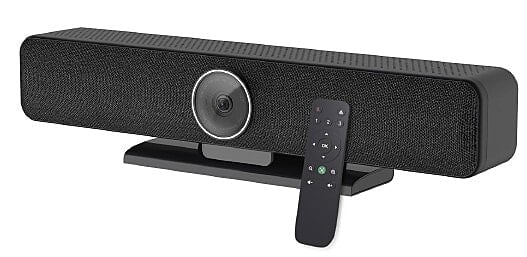
All-in-one 4K USB video bar with integrated camera, microphones and speaker for compact meeting rooms.
Included:
€399 excl. VAT
Extended-Microphone Room
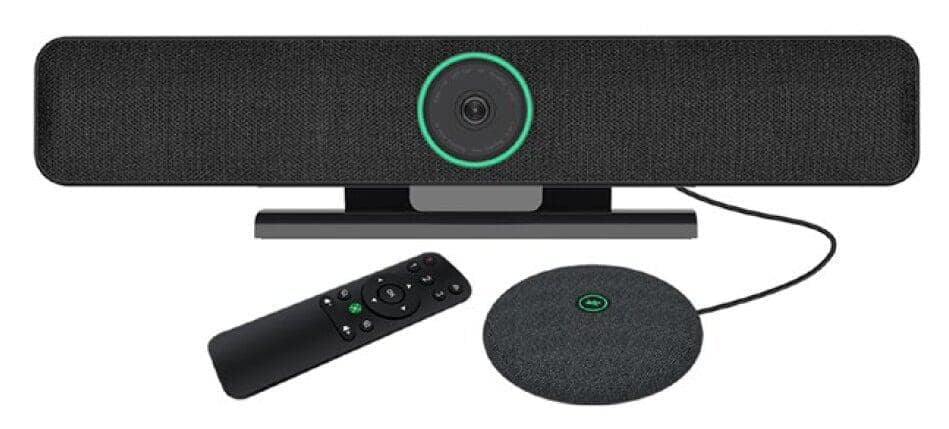
TB5 video bar with one 5-metre wired extension microphone for more consistent voice pickup around the table.
Included:
€449 excl. VAT
Direct with Four Wireless Microphones
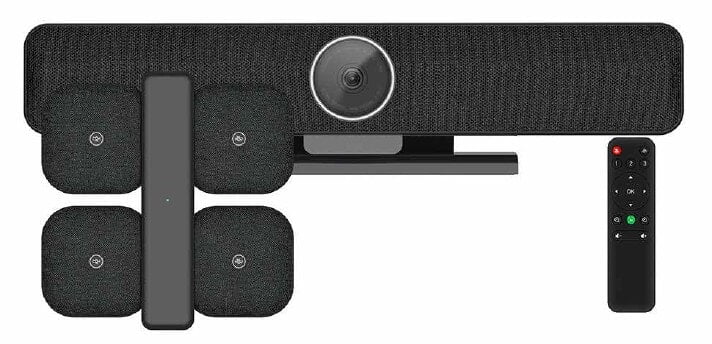
TB5 video bar with four wireless table microphones and a charging dock for flexible seating layouts and wider voice coverage.
Included:
€599 excl. VAT
Core Direct-Connect Room
All-in-one 4K USB video bar with integrated camera, microphones and speaker for compact meeting rooms.
Included:
€399 excl. VAT
Extended-Microphone Room
TB5 video bar with one 5-metre wired extension microphone for more consistent voice pickup around the table.
Included:
€449 excl. VAT
Direct with Four Wireless Microphones
TB5 video bar with four wireless table microphones and a charging dock for flexible seating layouts and wider voice coverage.
Included:
€599 excl. VAT
Wireless BYOM room
Wireless BYOM room
Use your own laptop with the room equipment
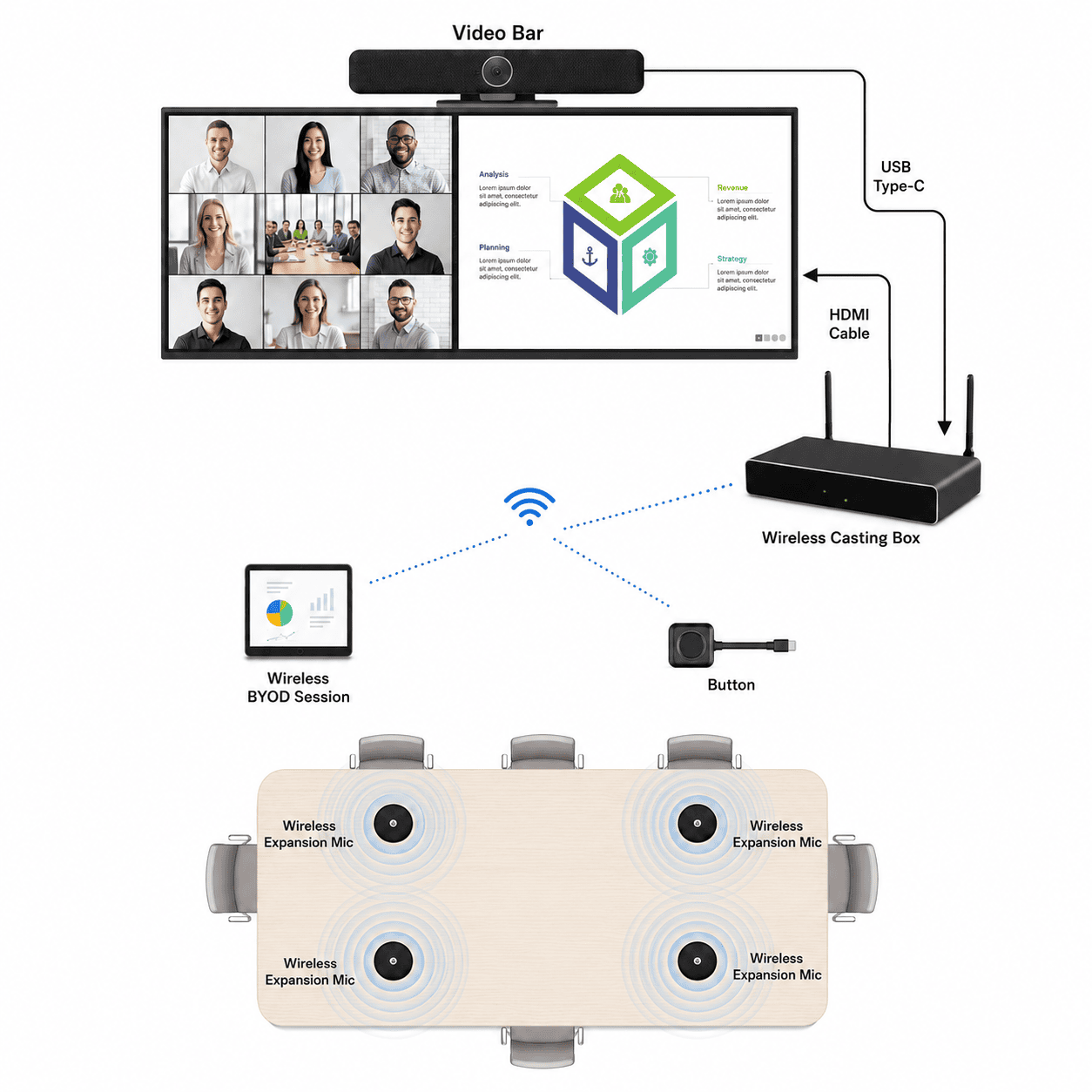
Wireless BYOM connection
The laptop continues to run the meeting, but a wireless collaboration kit allows it to share content and access the room camera, microphones and speaker with fewer physical connections at the table. Keep a direct connection available as a fallback.
Advantages:
Recommended Solutions:
Essential Wireless BYOM Room
A compact wireless BYOM setup using the video bar’s integrated microphones and speaker.
Included:
€824 separately
€799excl. VAT
Save €25
Wireless BYOM with Table Microphone
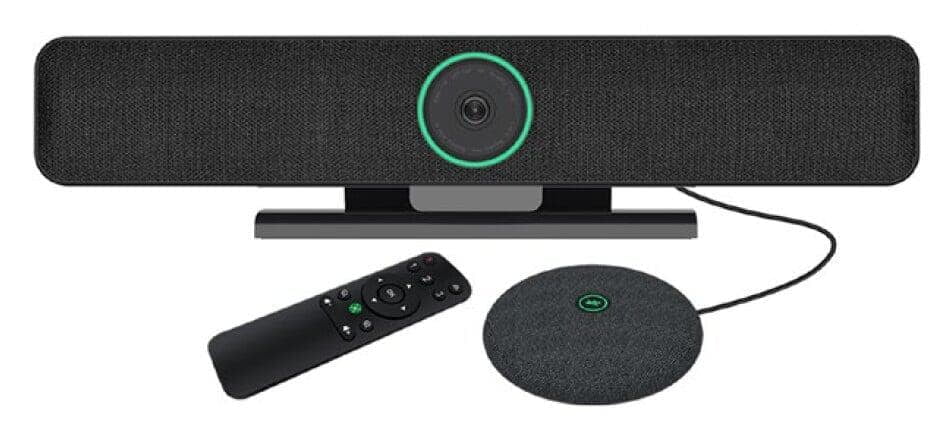
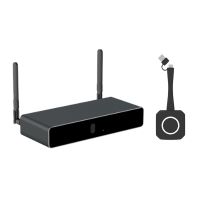
A compact wireless BYOM setup using the video bar’s integrated microphones and speaker.
Included:
€874 separately
€824 excl. VAT
Save €50
Wireless BYOM with Flexible Microphones
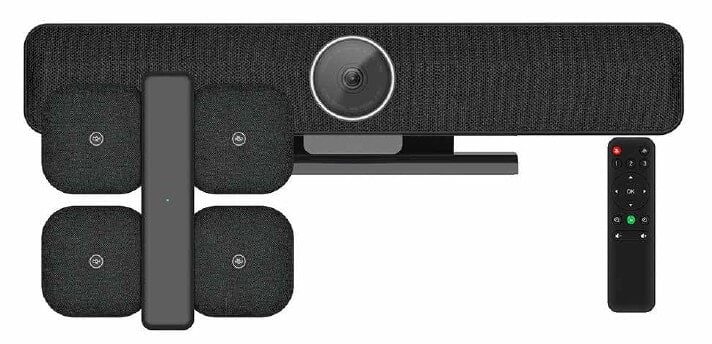
A compact wireless BYOM setup using the video bar’s integrated microphones and speaker.
Included:
€1,025 separately
€925 excl. VAT
Save €100
Ideal for larger room with stronger audio requirements.
Essential Wireless BYOM Room
A compact wireless BYOM setup using the video bar’s integrated microphones and speaker.
Included:
€824 separately
€799excl. VAT
Save €25
Wireless BYOM with Table Microphone
A compact wireless BYOM setup using the video bar’s integrated microphones and speaker.
Included:
€874 separately
€824 excl. VAT
Save €50
Wireless BYOM with Flexible Microphones
A compact wireless BYOM setup using the video bar’s integrated microphones and speaker.
Included:
€1,025 separately
€925 excl. VAT
Save €100
Ideal for larger room with stronger audio requirements.
Need a higher-spec collaboration setup? Compare the Medium Room Kits.
CONNECTION TYPE
How should people connect to the room?
Choose the connection method first. We can then match it with the camera and microphone coverage your room requires.
Not sure how wireless presentation differs from BYOM? Read our practical guide.
Connect directly
Laptop or fixed room computer
Connect a laptop or permanently installed room computer directly to the video bar and display. The connected device runs the meeting while the room camera, microphones and speaker handle the call.
Best for:
Connect wirelessly
Wireless presentation and BYOM
Connect a compatible laptop through a wireless collaboration kit to share content and, with BYOM, use the room camera, microphones and speaker. A direct cable can remain available as a fallback.
Best for:
Not sure which connection or microphone setup is right?
Tell us the approximate room dimensions, seating layout, existing equipment and preferred meeting platform. We will help you choose a practical direct-connect or wireless setup.