
Save up to €150 with selected complete-room packages
HOW THE ROOM WORKS
Compare direct-connect and wireless boardroom setups
Both approaches can use intelligent cameras, extended microphones and room speakers. The principal difference is how the meeting device connects to the room.
Direct-connect room
Direct-connect room
Laptop or fixed room computer
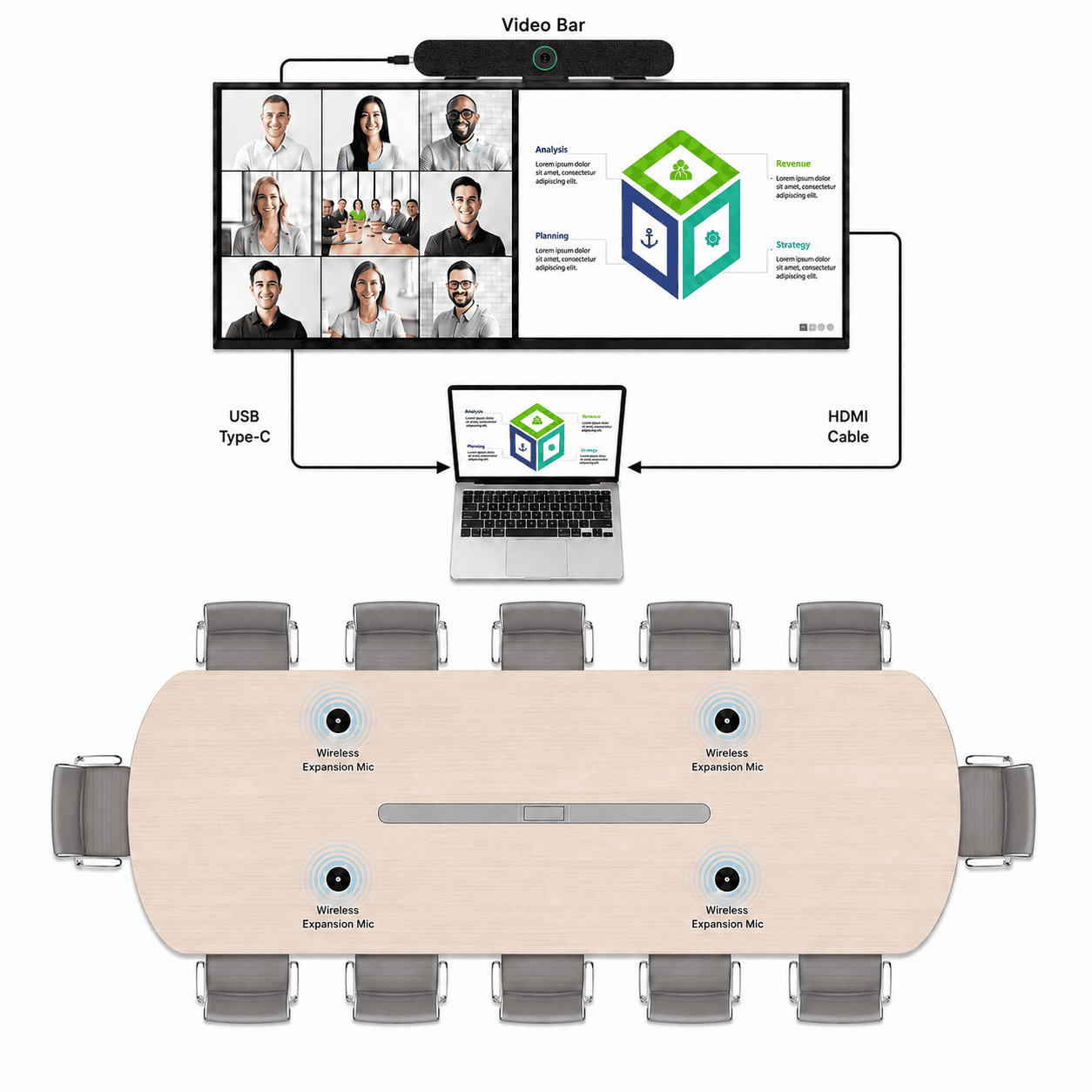
Direct connection
A laptop or permanently installed room computer runs the meeting and connects directly to the display and video bar. This provides a predictable connection without relying on a separate wireless collaboration system.
Advantages:
Recommended Solutions:
Medium Room with Flexible Wireless Microphones
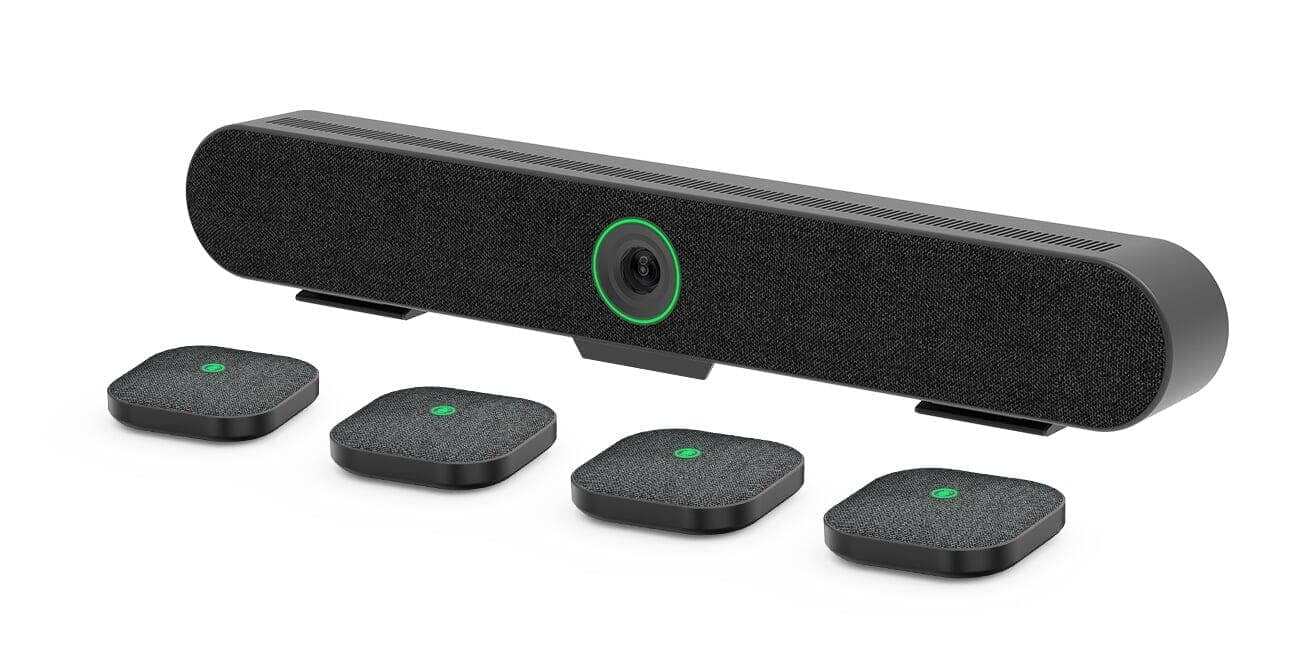
A 4K AI video bar with optical zoom, four wireless table microphones and a charging dock for wider tables, flexible seating layouts and stronger room-wide voice pickup.
Included:
€849 excl. VAT
MORE CAMERA AND AUDIO OPTIONS
Need more reach than a video bar?
The advanced room packages below can also retain a direct cable connection. Choose them when the space requires stronger optical zoom, flexible table-level audio or a more permanent ceiling-mounted microphone system.
Compare advanced room packages
Medium Room with Flexible Wireless Microphones
A 4K AI video bar with optical zoom, four wireless table microphones and a charging dock for wider tables, flexible seating layouts and stronger room-wide voice pickup.
Included:
€849 excl. VAT
MORE CAMERA AND AUDIO OPTIONS
Need more reach than a video bar?
The advanced room packages below can also retain a direct cable connection. Choose them when the space requires stronger optical zoom, flexible table-level audio or a more permanent ceiling-mounted microphone system.
Compare advanced room packages
Wireless BYOM room
Wireless BYOM room
Use your own laptop with the room equipment
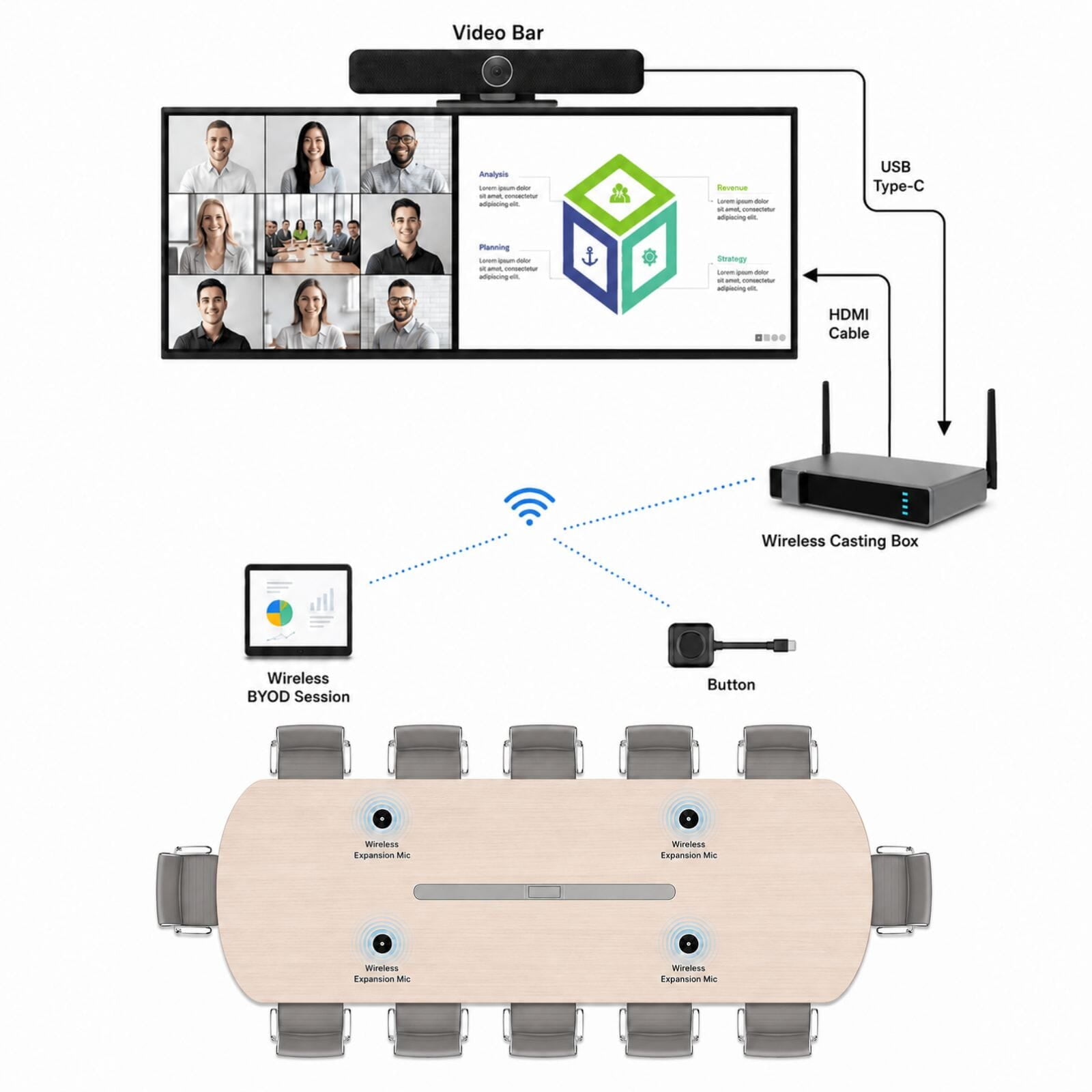
Wireless presentation and BYOM
Connect a compatible laptop through the ES06R wireless collaboration system to share content and use the room camera and audio with fewer table connections. The packages below range from an integrated video-bar setup to advanced PTZ camera systems with flexible or ceiling-mounted audio. A direct cable can remain available as a fallback.
Advantages:
Recommended Solutions:
Essential Wireless Large Room
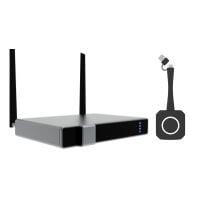
A complete wireless BYOM package combining intelligent 4K video, optical zoom, four wireless table microphones and the ES06R collaboration hub. Designed for larger rooms that need flexible microphone placement without moving to a separate PTZ camera system.
Included:
€1,374 separately
€1,224excl. VAT
Save €150
Best for standard boardrooms and large meeting rooms with flexible seating layouts.
ADVANCED ROOM OPTIONS
Need a specialised boardroom or large conference setup?
For larger rooms, deeper spaces or more advanced installation requirements, we can build a tailored camera and audio setup around your room.
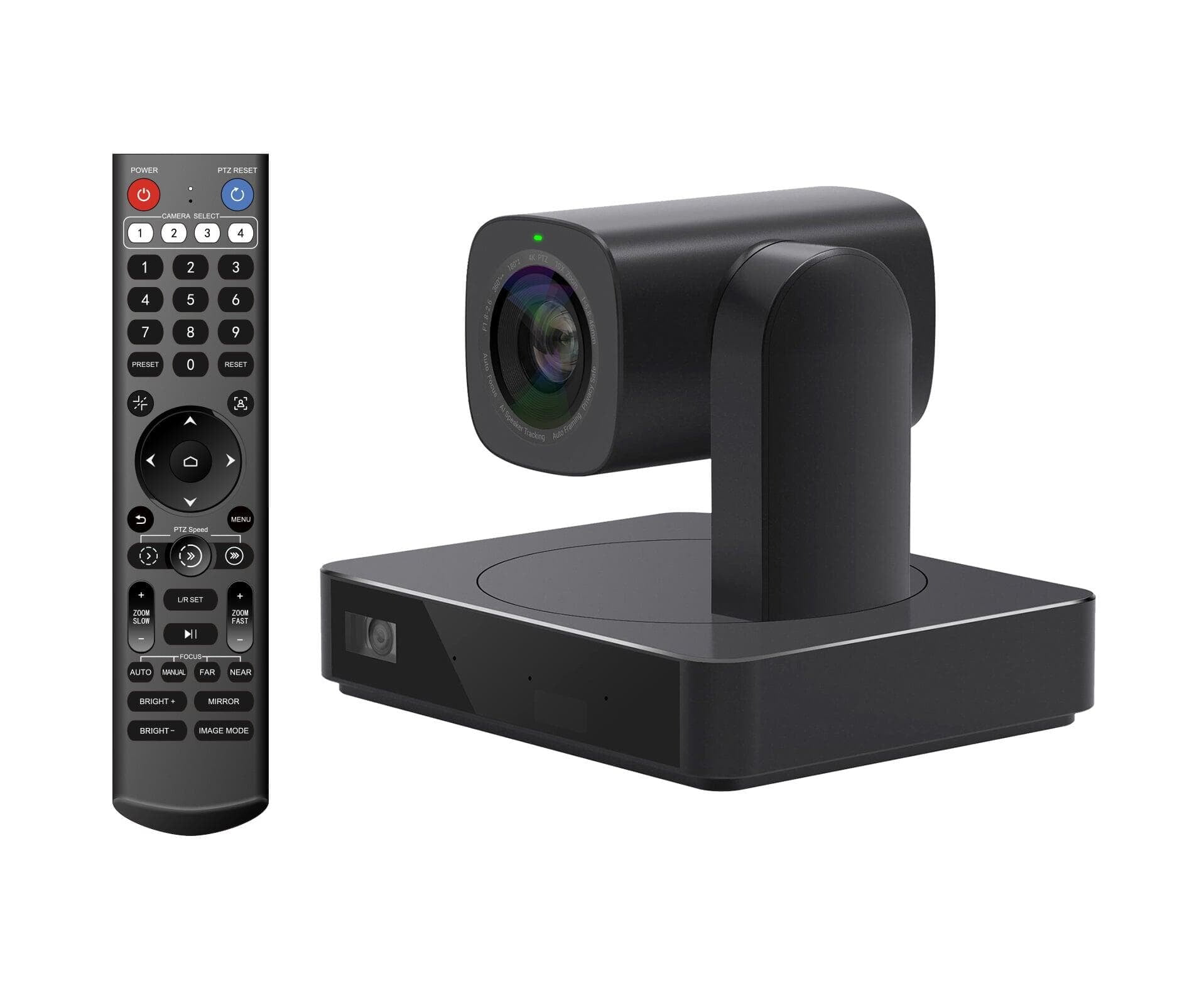
P10H4A AI Tracking Camera
Y4K dual-lens PTZ camera with 10× optical zoom and intelligent tracking for deeper rooms and clearer long-distance framing.
Ideal for larger conference rooms that need stronger camera reach than a standard video bar
P20 Series PTZ Camera
P20 Series PTZ Camera
Suitable for larger boardrooms and conference spaces requiring a more powerful camera solution.
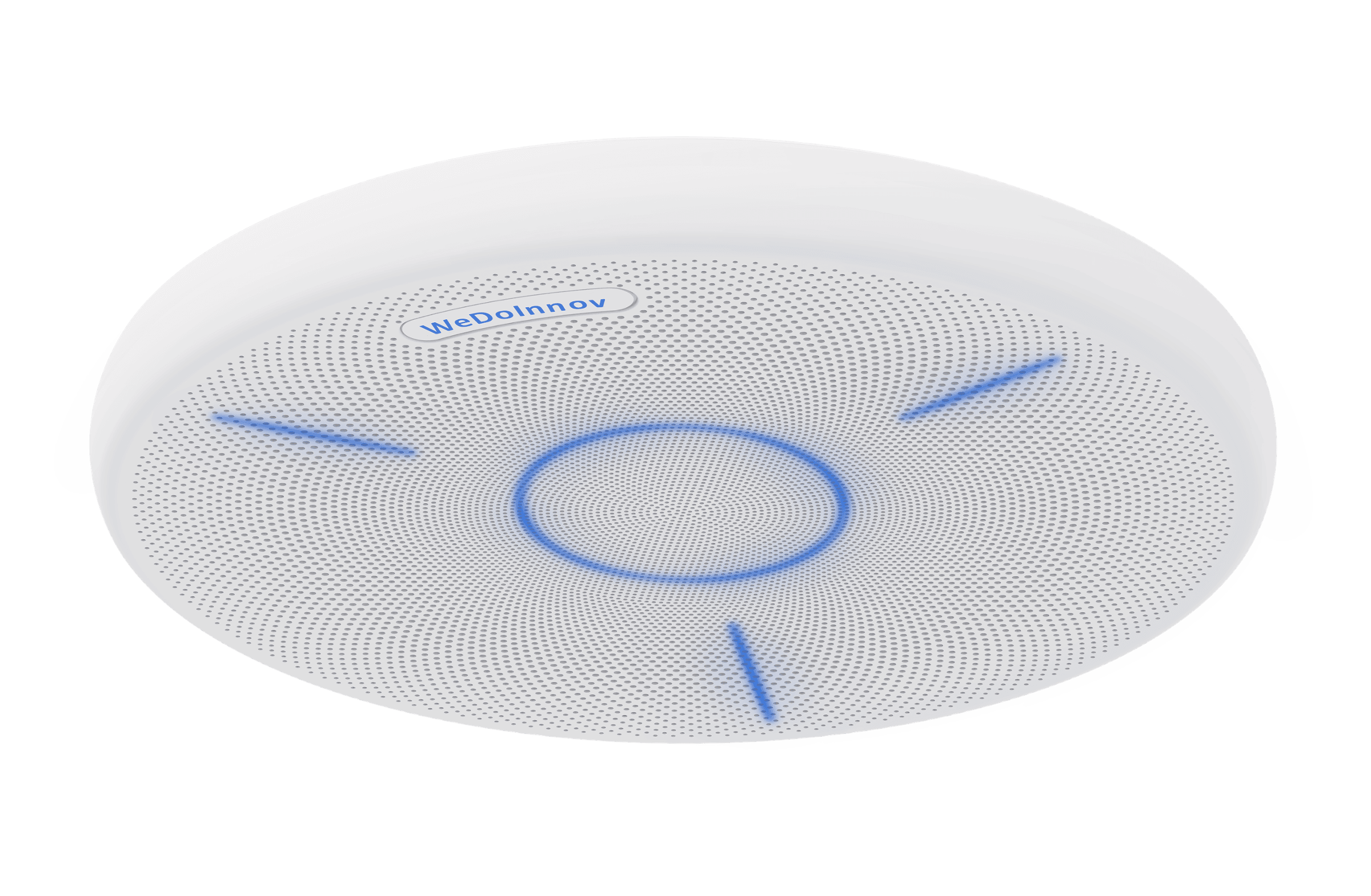
CMA100 Ceiling Microphone Array
Best for rooms that need structured installation, reduced table clutter and controlled room-wide voice pickup.
Pre-Order
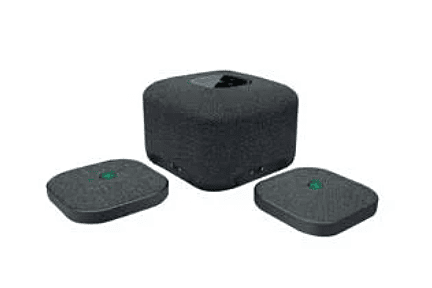
CP100 Speaker System
Coming Soon
Coming Soon
All-In-One Wireless BYOM with Extension Microphone
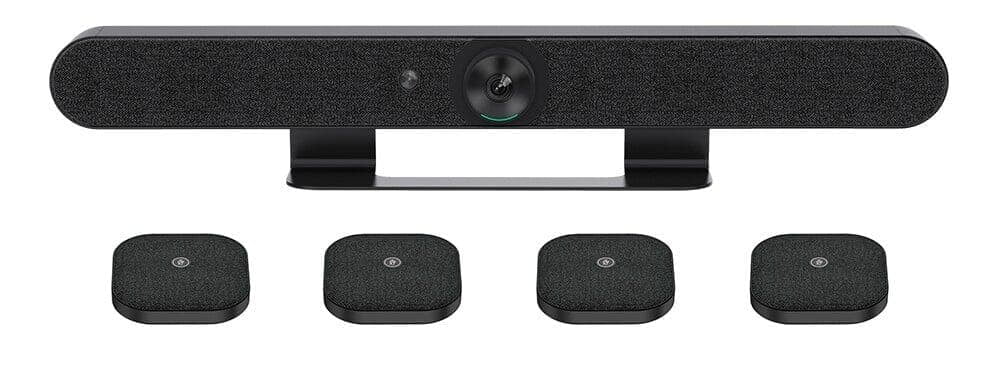
A compact wireless BYOM setup using the video bar’s integrated microphones and speaker.
Included:
Coming Soon
Essential Wireless Large Room
A complete wireless BYOM package combining intelligent 4K video, optical zoom, four wireless table microphones and the ES06R collaboration hub. Designed for larger rooms that need flexible microphone placement without moving to a separate PTZ camera system.
Included:
€1,374 separately
€1,224excl. VAT
Save €150
Best for standard boardrooms and large meeting rooms with flexible seating layouts.
ADVANCED ROOM OPTIONS
Need a specialised boardroom or large conference setup?
For larger rooms, deeper spaces or more advanced installation requirements, we can build a tailored camera and audio setup around your room.
P10H4A AI Tracking Camera
Y4K dual-lens PTZ camera with 10× optical zoom and intelligent tracking for deeper rooms and clearer long-distance framing.
Ideal for larger conference rooms that need stronger camera reach than a standard video bar
P20 Series PTZ Camera
P20 Series PTZ Camera
Suitable for larger boardrooms and conference spaces requiring a more powerful camera solution.
CMA100 Ceiling Microphone Array
Best for rooms that need structured installation, reduced table clutter and controlled room-wide voice pickup.
Pre-Order
CP100 Speaker System
Coming Soon
Coming Soon
All-In-One Wireless BYOM with Extension Microphone
A compact wireless BYOM setup using the video bar’s integrated microphones and speaker.
Included:
Coming Soon
START WITH THE CONNECTION
How should people connect to the boardroom?
Choose the connection method first. We can then match it with the camera reach, microphone coverage and room equipment required for the complete seating area.
Not sure how wireless presentation differs from BYOM? Read our practical guide.
Connect directly
Laptop or fixed room computer
Connect a laptop or permanently installed room computer directly to the video bar and display. The connected device runs the meeting while the room camera, microphones and speaker handle the call.
Best for:
Connect wirelessly
Wireless presentation and BYOM
Connect a compatible laptop through a wireless collaboration kit to share content and, with BYOM, use the room camera, microphones and speaker. A direct cable can remain available as a fallback.
Best for:
Not sure which connection or microphone setup is right?
Tell us the approximate room dimensions, seating layout, existing equipment and preferred meeting platform. We will help you choose a practical direct-connect or wireless setup.